Triple Monitor Setup for Gaming
February 19, 2026 • César Daniel Barreto
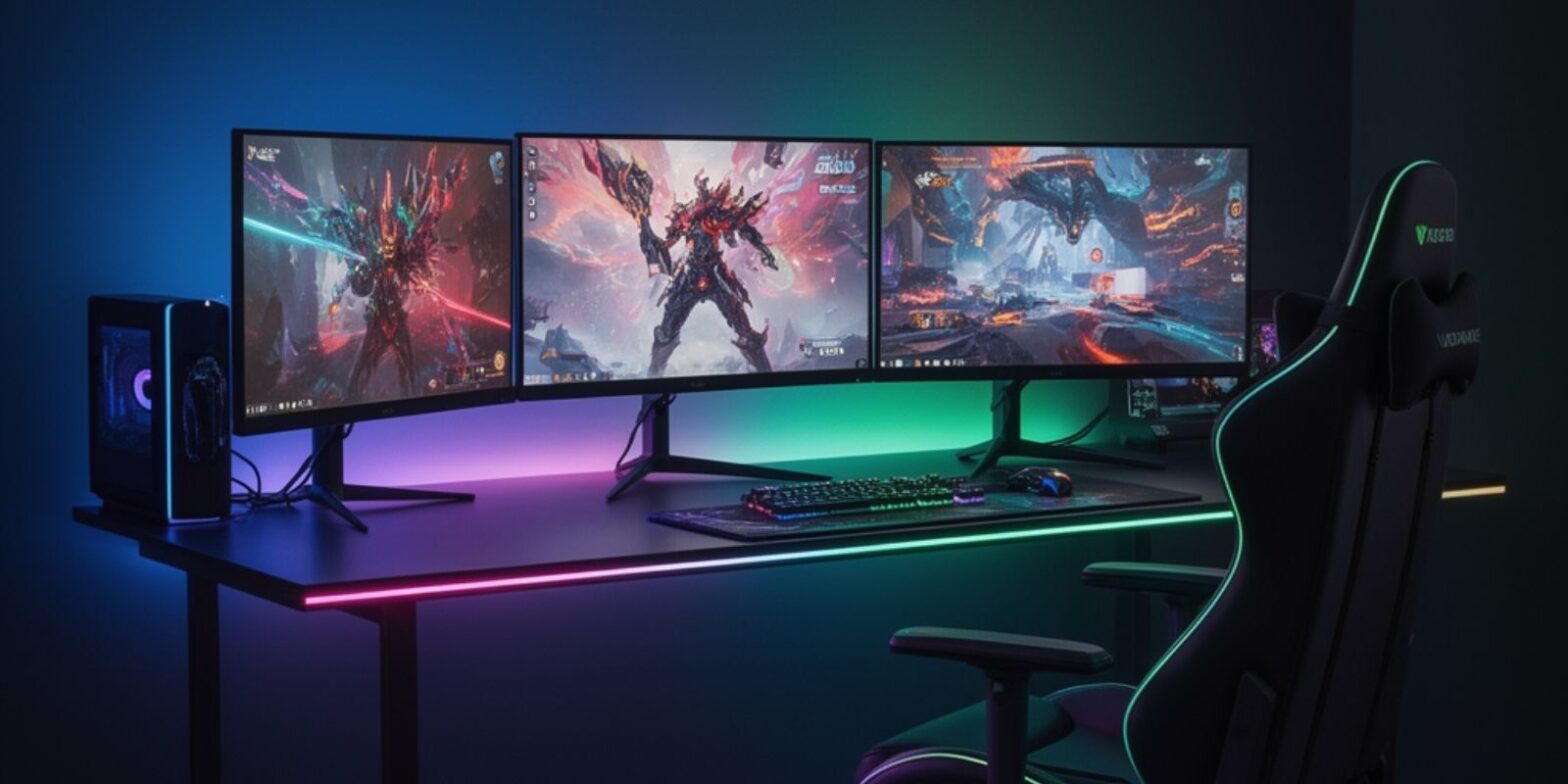
A triple monitor setup is often misunderstood as simply “more screen space.” In reality, when properly engineered, a three monitor setup becomes a structured visual system that enhances immersion, improves spatial awareness in games, and increases productivity beyond what a single or ultrawide display can provide. A carefully designed 3 monitor setup changes how rendering pipelines behave, how users process visual information, and how multitasking workflows operate in real time.
For gamers, this configuration can dramatically expand field of view in simulations and open-world environments. For creators and professionals, it enables true multi-tasking without constant context switching. However, achieving these benefits requires more than plugging in three screens. It demands attention to resolution scaling, refresh rate management, cable quality, ergonomic positioning, and system optimization.
This guide explores each layer in depth, hardware architecture, installation, compatibility, cost planning, calibration, and troubleshooting, so the setup performs reliably under demanding gaming and productivity conditions.
Performance Scaling and Resolution Demands
When expanding from one display to three, the most immediate technical consequence is pixel multiplication. Resolution scales horizontally, but GPU workload scales across the entire rendering pipeline, textures, shaders, memory bandwidth, and frame buffering.
The following table illustrates how resolution impacts pixel load:
| Configuration | Total Resolution | Total Pixels (Approx.) | Relative GPU Load |
|---|---|---|---|
| Single 1080p | 1920×1080 | 2.07 million | Baseline |
| 3×1080p | 5760×1080 | 6.22 million | ~3× 1080p |
| Single 1440p | 2560×1440 | 3.68 million | Moderate |
| 3×1440p | 7680×1440 | 11.05 million | Very High |
| 4K | 3840×2160 | 8.29 million | High |
Triple 1080p pushes nearly 75% of 4K’s pixel count. Triple 1440p exceeds 4K significantly. This means a three monitor setup is not merely “three times heavier” than single 1080p gaming; it often stresses memory and bandwidth in ways comparable to or beyond 4K.
The refresh rate further compounds this demand. Rendering 5760×1080 at 144Hz requires significantly more GPU headroom than rendering at 60Hz. Stability depends not only on raw GPU power but also on driver optimization and cooling capacity.
For smooth gameplay, many users employ performance optimization techniques such as dynamic resolution scaling, DLSS or FSR, and selective shadow reduction. Proper optimization ensures consistent frame pacing across all three displays.
Cable Infrastructure and Signal Integrity
In multi-display systems, cable quality becomes critical. A single unstable cable can disrupt the entire configuration.
A triple monitor setup requires three independent cable connections, each capable of supporting the intended resolution and refresh rate. Lower-quality cable choices may limit bandwidth or introduce flickering at higher frame rates.
Important cable considerations include:
- Certification for required bandwidth.
- Equal-length cable routing for cleaner installation.
- Shielded cable construction for longer distances.
- Secure locking connectors.
If conversion between port types is necessary, an active adapter should be used instead of a passive adapter. An active adapter maintains signal integrity when converting DisplayPort to HDMI, especially in a 3 monitor setup operating at high resolution.
Some systems rely on a docking adapter for additional outputs. Before purchase, confirm compatibility between GPU output bandwidth and the adapter’s capabilities. An underpowered adapter may restrict resolution or refresh rate unexpectedly.
Proper cable management also contributes to long-term stability. Tension on ports can degrade connections over time, so cables should be secured behind the desk and supported by cable channels or sleeves.
Monitor Selection, Color Accuracy, and Calibration
Consistency across panels determines whether a triple monitor setup feels cohesive or fragmented. Mismatched displays often produce noticeable color differences, brightness variation, and uneven scaling.
For gaming immersion, three identical panels are ideal. Uniform panel type, resolution, and refresh rate ensure visual continuity.
However, even identical monitors require calibration. Out-of-box color profiles frequently differ slightly. Without calibration, subtle color shifts between screens can reduce immersion and strain the eyes.
A structured calibration process includes:
- Matching brightness levels.
- Adjusting white balance.
- Synchronizing gamma settings.
- Fine-tuning color temperature.
Software tools can assist with basic calibration, while hardware color meters provide more precise results. Regular calibration helps maintain consistency as panels age.
The importance of color consistency extends beyond gaming. For productivity tasks such as video editing or design, accurate color reproduction ensures reliable results across multiple displays. Maintaining consistent calibration across panels supports adherence to visual accuracy standards, particularly in workflows where even minor color deviations can affect output quality and cross-screen consistency.
Ergonomic Engineering and Alignment
A triple monitor setup must be ergonomic to prevent fatigue during extended sessions.
An ergonomic configuration requires:
- Center monitor directly in front of the user.
- Side monitors angled inward.
- Equal viewing distance across all displays.
- Screen height slightly below eye level.
Correct alignment ensures each screen remains equidistant from the viewer. Poor alignment increases neck rotation and shoulder strain.
Two adjustable stands or a triple-arm mount allow precise height and tilt adjustment. Dedicated stands also enable micro-alignment corrections that maintain ergonomic posture over time.
Desk depth plays a critical role in ergonomic stability. Ideally, the desk should allow monitors to sit at least 50–65 cm away from the user. Insufficient depth forces forward leaning, which compromises ergonomic posture.
An ergonomic setup benefits not only gaming comfort but also productivity during extended multi-tasking sessions.
Installation Strategy and Compatibility Verification
The installation process should be methodical. Rushed installation often leads to compatibility issues or unnecessary troubleshooting.
Before powering the system:
- Connect each cable securely.
- Confirm that any adapter is active and rated for the required bandwidth.
- Verify GPU output capacity.
- Secure stands or mounting hardware.
After physical installation, configure display order in system settings. Each monitor should be tested independently before enabling extended display mode.
Compatibility checks must include:
- GPU driver version.
- Monitor firmware updates.
- Supported resolution and refresh rate.
- Adapter specifications.
Proper installation reduces the likelihood of display detection issues or inconsistent behavior.
Gaming Software Configuration and Optimization
Multi-display gaming requires software configuration beyond standard display extension.
GPU control panels allow grouping of displays into a unified surface. However, not every game supports ultra-wide aspect ratios equally. Some titles stretch UI elements or misalign HUD components.
Optimization techniques include:
- Adjusting field of view (FOV).
- Limiting frame rate for stability.
- Enabling frame pacing controls.
- Reducing high-cost graphical features.
Proper software configuration ensures that rendering remains smooth across the entire width of the display array.
Productivity and Multi-Tasking Integration
While gaming drives interest in a triple monitor setup, productivity gains are equally significant.
A three monitor setup allows:
- Gaming on the center screen.
- Monitoring streaming software on one side.
- Managing chat or research on the other.
This structured multi-tasking reduces context switching and improves workflow fluidity.
For professional productivity environments, additional screens support: Data dashboards, creative tools, communication platforms, etc.
True productivity in a 3 monitor setup comes from spatial organization. Assigning specific functions to each display prevents visual clutter and enhances cognitive efficiency.
Cost Planning and Brand Considerations
The total cost of a triple monitor setup extends beyond the monitors themselves.
Expenses may include:
- Three display units.
- Three certified cable connections.
- At least one potential adapter.
- Adjustable stands or mounting hardware.
- Possible GPU upgrade.
Brand selection influences panel consistency, build quality, and warranty coverage. Choosing a single brand often improves uniformity across displays.
The following table outlines typical cost tiers:
| Tier | Monitor Type | GPU Level Required | Approximate Cost Range |
|---|---|---|---|
| Entry | 3×1080p 75Hz | Mid-range GPU | Moderate |
| Performance | 3×1080p 144Hz | Upper mid-range GPU | Higher |
| Premium | 3×1440p 144Hz+ | High-end GPU | Significant |
Long-term cost planning should also consider energy usage and future upgrade compatibility.
Troubleshooting and Stability Maintenance
Even well-designed systems may require occasional troubleshooting.
Common issues include:
- Monitor not detected.
- Inconsistent resolution.
- Signal drop due to adapter failure.
- Flickering at high refresh rate.
Structured troubleshooting involves:
- Testing each cable independently.
- Replacing suspect adapter hardware.
- Updating GPU drivers.
- Resetting display grouping.
Most troubleshooting scenarios trace back to either cable quality, adapter limitations, or driver inconsistencies.
Regular system maintenance, including driver updates and calibration checks, helps preserve stability over time.
Long-Term Optimization and Sustainability
As GPUs and monitors evolve, a triple monitor setup should remain adaptable.
Future-proofing strategies include:
- Selecting monitors with modern input standards.
- Ensuring compatibility with next-generation GPUs.
- Maintaining headroom for higher refresh rate targets.
Optimization is not a one-time process. Periodic performance tuning and recalibration ensure consistent quality across the system lifecycle.
Frequently Asked Questions
Is a triple monitor setup better than an ultrawide monitor?
A triple monitor setup usually provides a wider total field of view than most ultrawide displays. It’s ideal for simulation and immersive gaming. However, ultrawide monitors offer a cleaner look with no bezel breaks and simpler installation. The best option depends on desk space, GPU power, and personal preference.
What GPU is required for a 3 monitor setup?
A 3 monitor setup running triple 1080p at 60Hz can work with a strong mid-range GPU. Triple 1440p at high refresh rate requires a high-end graphics card with sufficient VRAM. The GPU must also support at least three simultaneous display outputs.
Do all games support a three monitor setup?
No. Simulation and racing games usually support triple-wide rendering correctly. Some competitive or older titles may stretch the interface or limit field of view. In those cases, many users game on the center screen and use side monitors for productivity.
Can I use an adapter to connect the third monitor?
Yes, but an active adapter is recommended for stable signal conversion, especially when converting DisplayPort to HDMI. A low-quality adapter may limit resolution or cause flickering.
Do the monitors need to match?
Matching monitors are strongly recommended. Using the same resolution, refresh rate, and panel type ensures better color consistency and smoother performance. Calibration can help, but identical panels deliver the best results.
Is a triple monitor setup good for productivity?
Yes. A three monitor setup improves productivity by allowing structured multi-tasking. Users can dedicate each screen to different tasks, reducing constant window switching and improving workflow efficiency.
How much desk space is needed?
A desk depth of at least 70–80 cm is ideal. Proper ergonomic positioning requires enough distance to maintain comfortable alignment and reduce strain.
What are common troubleshooting issues?
Typical troubleshooting problems include display detection errors, resolution mismatches, refresh rate instability, or faulty cable and adapter connections. Updating drivers and checking connections usually resolves most issues.
Final Perspective
A triple monitor setup is a deliberate engineering choice. It expands immersion, enhances productivity, and enables advanced multi-tasking workflows. However, achieving those benefits requires structured planning—cable integrity, ergonomic positioning, calibration accuracy, compatibility verification, cost management, and software optimization.
When executed correctly, a three monitor setup becomes more than expanded screen space. It becomes an integrated visual platform that supports gaming precision and professional productivity simultaneously.

César Daniel Barreto
César Daniel Barreto is an esteemed cybersecurity writer and expert, known for his in-depth knowledge and ability to simplify complex cyber security topics. With extensive experience in network security and data protection, he regularly contributes insightful articles and analysis on the latest cybersecurity trends, educating both professionals and the public.
 English
  German
  Danish
  Italian
  Swedish
  Romanian
  Thai
Thai  Vietnamese
  Japanese
  Dutch
Dutch  Korean
  Arabic
  Hungarian