What Is a LAN Cable? Definition, Types, Uses, and How It Works
February 24, 2026 • César Daniel Barreto
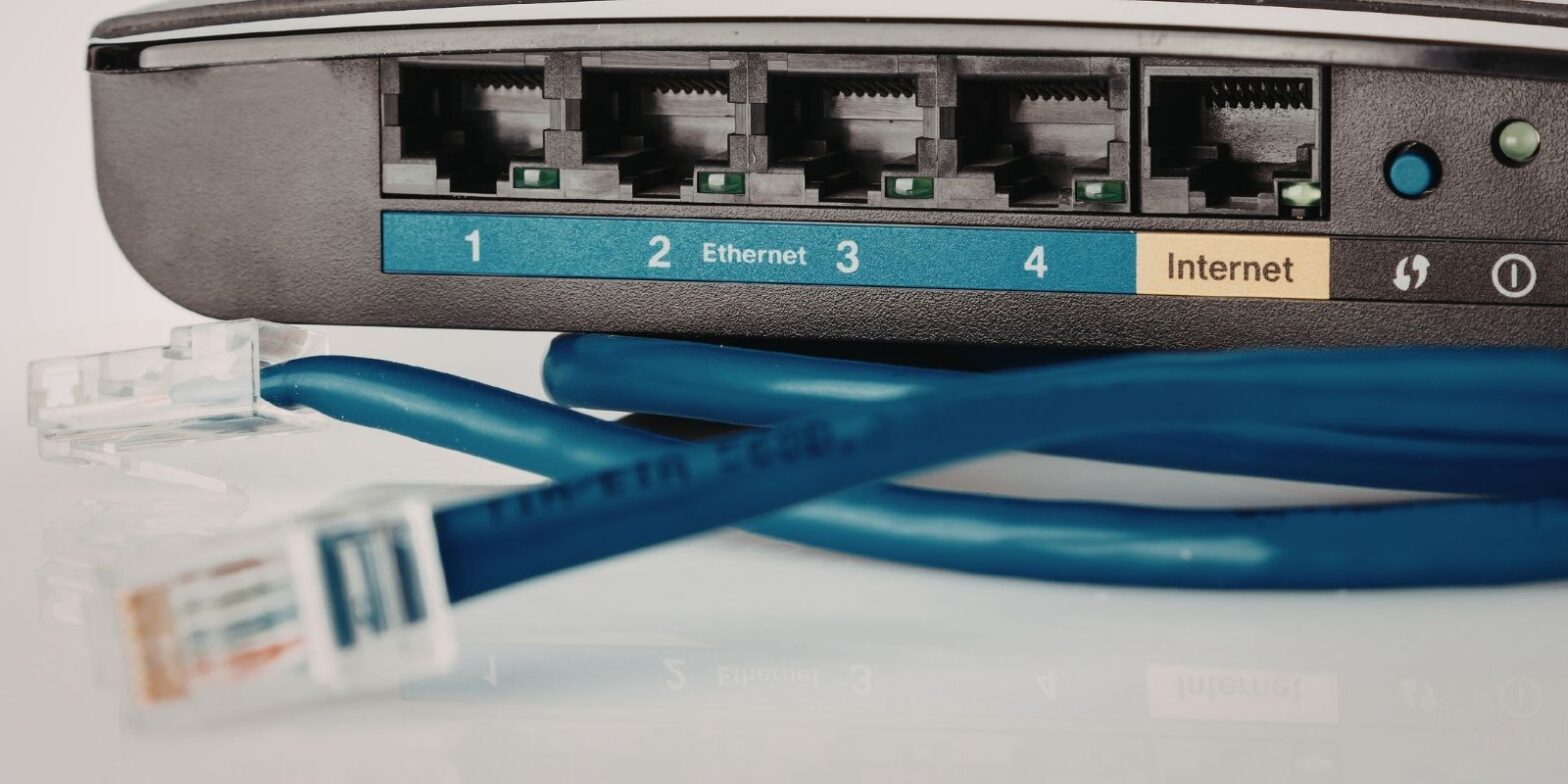
A LAN cable is a physical networking cable used to connect devices within a Local Area Network. In most modern environments, a LAN cable is an Ethernet cable designed to support high-speed data transmission between computers, routers, switches, printers, servers, and other devices. Unlike wireless connections, a wired LAN connection offers greater stability, consistent speed, and reduced interference, making it essential for both home and business network infrastructure.
Understanding what a LAN cable is requires understanding the difference between a LAN and Ethernet. A LAN refers to the local network itself, while Ethernet defines the technology and protocols used for data transmission across that network. Ethernet operates under IEEE 802.3 standards, ensuring compatibility and reliable communication between connected devices.
How a LAN Cable Works
A typical LAN cable contains four twisted pairs of copper wires. The twisting helps reduce electromagnetic interference and preserve signal integrity during transmission. Each cable is terminated with RJ45 connectors, often simply called RJ45 plugs, which allow the cable to connect securely into a port on routers, switches, servers, printers, and other network devices.
The RJ45 connectors contain eight pins arranged in an 8P8C format. These connectors are standardized so they fit any compatible Ethernet port. When inserted into a port, the connectors enable bidirectional data transmission across the network. Proper installation of RJ45 connectors is essential to maintain optimal signal strength and avoid packet loss.
Because the LAN cable is wired rather than wireless, the data signal travels directly through copper conductors, resulting in consistent speed and lower latency compared to WiFi connections. While WiFi provides flexibility, a wired LAN connection reduces interference from nearby devices and walls, improving overall network reliability and security.
LAN Cable Categories and Speed Capabilities
Different categories of LAN cable determine performance levels within a network. Cat5e supports up to 1 Gbps over 100 meters and remains common in residential installation. Cat6 improves speed capabilities, supporting 1 Gbps at 100 meters and up to 10 Gbps at shorter distances. Cat6a extends 10 Gbps transmission to 100 meters and is widely used in professional network installation.
Cat7 cables also support 10 Gbps transmission up to 100 meters, although Cat6a is more commonly deployed under TIA standards. Cat8 cables support 25 Gbps or 40 Gbps transmission over shorter distances, typically up to 30 meters, and are used primarily in data centers and high-performance server environments.
Choosing the right LAN cable depends on network speed requirements, infrastructure planning, and future scalability.
RJ45 Connectors, Ports, and Patch Cables
RJ45 connectors are essential components of every Ethernet cable. These connectors allow the cable to plug into an Ethernet port on network hardware. Each device typically includes one or more Ethernet ports to connect directly to the LAN. Switches may have multiple ports to connect dozens of devices within a single network.
Patch cables are shorter LAN cables used to connect devices to wall outlets or directly to switches and routers. A patch cable usually features RJ45 connectors on both ends and is commonly used in structured installation setups. Patch panels organize multiple patch cable connections in server rooms and enterprise networks.
Because connectors and plugs must be properly crimped, careful installation is critical. Poorly attached connectors can cause signal degradation and unstable data transmission. Using shielded cable and shielded connectors in environments with heavy electrical interference improves reliability.
LAN vs WiFi in Modern Networks
While WiFi has become a standard wireless solution, LAN cables remain the preferred option for stable network performance. Wireless connectivity is convenient but more vulnerable to interference and fluctuating signal strength. In contrast, a wired Ethernet cable maintains consistent data transmission and predictable speed.
For activities such as cloud backups, streaming, online gaming, and large file transfers between servers, a wired LAN connection delivers measurable advantages. High-definition video platforms such as spacemov.co particularly benefit from the consistent throughput and reduced latency that wired Ethernet connections provide compared to fluctuating wireless signals.
Ethernet Standards and Network Protocols
Ethernet technology follows IEEE 802.3 standards, which define how data transmission occurs across a network. Structured cabling installation follows TIA/EIA-568 standards to ensure proper performance, cable length limits, and compatibility.
These standards also define the protocols used for reliable data exchange. Ethernet protocols manage how devices communicate, detect errors, and maintain synchronization during transmission. Adhering to recognized standards ensures long-term network stability and compatibility across routers, switches, printers, and servers.
Copper vs Fiber LAN Connections
Most LAN cable installations use twisted-pair copper wiring because it is cost-effective and easy to deploy. Copper cables support strong signal transmission over typical office and residential distances.
However, fiber cables offer significantly higher bandwidth and longer transmission distances. Fiber uses light instead of electrical signals, making it immune to electromagnetic interference. Fiber is often used in backbone connections between buildings, data centers, or large enterprise network cores.
Although fiber offers higher speed and longer reach, copper LAN cable solutions remain the standard for connecting individual devices to switches and routers within a local network.
Installation Best Practices and Interference Control
Proper LAN cable installation affects long-term network performance. Cables should not be sharply bent or tightly compressed, as this can damage internal copper pairs and weaken the signal. Maintaining correct bend radius and securing cables prevents stress on connectors and plugs.
Using shielded cable in industrial or high-electrical environments reduces interference. Shielded LAN cable designs include additional insulation to protect signal transmission from external electrical noise. Organized patch panels and clearly labeled patch cable connections simplify troubleshooting and maintenance.
Correct installation ensures that each cable maintains optimal speed, consistent transmission, and stable network performance.
Why LAN Cables Remain Essential
Despite advances in wireless technology, LAN cables remain fundamental to modern networking. Every enterprise network, server room, and structured office installation relies on Ethernet cable infrastructure to connect devices reliably. LAN connections support printers, servers, routers, switches, and other essential devices that require stable, high-speed data transmission.
Because LAN cable technology follows strict standards and proven protocols, it continues to provide predictable performance in environments where downtime is unacceptable.
Final Thoughts
A LAN cable is more than just a wire. It is a core component of any reliable network, enabling secure, high-speed data transmission between connected devices. Whether using copper or fiber, patch cable or backbone installation, Ethernet technology ensures consistent communication across routers, switches, printers, and servers.
Understanding how LAN cables work, how RJ45 connectors attach to each port, and how standards guide installation allows you to build a stable and future-ready network infrastructure. In an increasingly connected world, wired Ethernet LAN solutions remain the foundation of dependable digital communication.

César Daniel Barreto
César Daniel Barreto is an esteemed cybersecurity writer and expert, known for his in-depth knowledge and ability to simplify complex cyber security topics. With extensive experience in network security and data protection, he regularly contributes insightful articles and analysis on the latest cybersecurity trends, educating both professionals and the public.
 English
  German
  Danish
  Italian
  Swedish
  Romanian
  Thai
Thai  Vietnamese
  Japanese
  Dutch
Dutch  Korean
  Arabic
  Hungarian