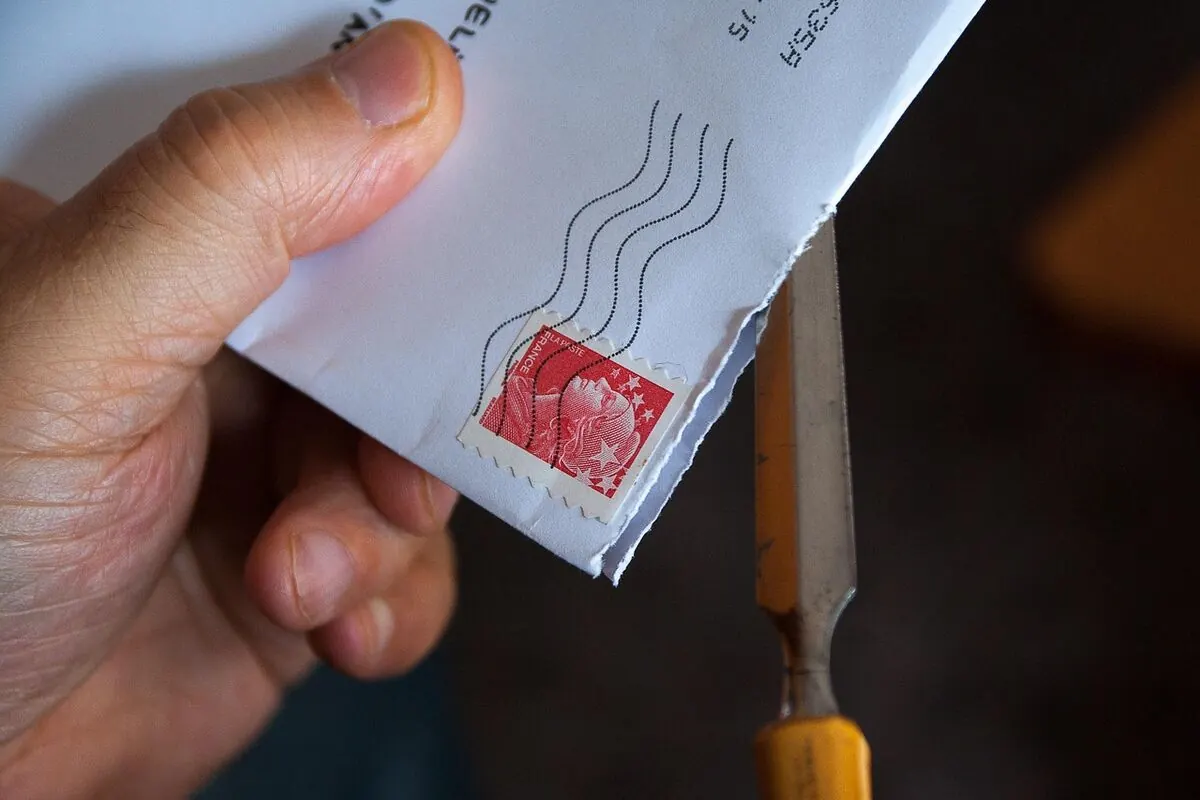
Addressing an envelope is simple once you know the three corners — sender top-left, stamp top-right, recipient in the middle. Write everything in clear block letters, keep abbreviations consistent, and the mail will find its destination without drama.
Write the return address in the top-left corner. Place the stamp in the top-right corner. Write the recipient address in the center of the envelope front — name on the first line, street on the second, city + state + ZIP on the third. For international mail, add the destination country in all caps on the last line.
Envelope Layout (Drawing)
This is the layout the post office machines are trained to read. Stick to it and the letter moves fast.
Step by Step
Pick the front of the envelope
The front is the side without the flap. The flap goes on the back and that’s where you’ll seal it after you put the letter in.
Write the return address — top-left
Three lines: your full name on line one, your street address (with apartment / suite if you have one) on line two, city + state + ZIP code on line three. The post office uses this to send the letter back if it can’t be delivered.
Add the stamp — top-right
Stick the stamp in the top-right corner. For a standard letter inside the United States, a single Forever stamp is enough. Heavier or larger envelopes, and international mail, need extra postage.
Write the recipient address — center
Place this block roughly in the middle of the envelope, leaning slightly toward the bottom. Keep at least an inch of empty space below it so postal machines can stamp their barcodes. Print, don’t use cursive — machines read print far more reliably.
Seal and send
Slide the letter in, moisten or peel-and-stick the flap, press it closed. Drop it in any mailbox or hand it to a postal worker.
Authoritative USPS reference: USPS Publication 28 — Postal Addressing Standards.
What Goes on Each Line of the Recipient Address
| Line | What it contains | Example |
|---|---|---|
| 1 | Full name (and title or company if relevant) | JANE DOE |
| 2 | Street address with apartment / suite / unit | 456 MAPLE ST APT 7 |
| 3 (optional) | Additional company name or building (rarely needed) | ACME CORP, BLDG B |
| Last | City, two-letter state code, ZIP code | SPRINGFIELD IL 62701 |
| Last (intl) | Destination country in ALL CAPS | FRANCE |
USPS prefers all caps, no punctuation, and standard abbreviations because optical character readers parse it cleanly. Lowercase still works, but uppercase scans faster through the sorting machines.
Standard Abbreviations
How to Address an Apartment, Suite or Unit
Two acceptable styles:
| Style | Example | When to use |
|---|---|---|
| On the same line (preferred by USPS) | 456 MAPLE ST APT 7 | Almost always — easiest for sorting machines |
| On its own line above | APT 7 456 MAPLE ST | When the unit identifier is long, like “BUILDING C, UNIT 1207” |
Don’t write “#7” on a line by itself — handwritten “#” is the single biggest cause of mail going to the wrong unit.
Business and Professional Addresses
For a business letter, add the recipient’s title and company name. Format:
- Personal name on line 1 (optional title after a comma)
- Company name on line 2
- Street address with suite on line 3
- City + state + ZIP on line 4
International Mail
The format is the same but with two extra rules:
- Add the destination country in ALL CAPS on its own line as the last line of the recipient address.
- Use the postal code format of the destination country. Country-specific codes go before the city name in most of Europe (DE, FR, IT), after the city name in the UK, and in their own line for Japan and a few others.
| Country | Recipient block example |
|---|---|
| United Kingdom | JOHN SMITH 10 BAKER STREET LONDON NW1 6XE UNITED KINGDOM |
| France | MARIE DUBOIS 15 RUE DE LA PAIX 75002 PARIS FRANCE |
| Germany | HANS MÜLLER HAUPTSTRASSE 1 10115 BERLIN GERMANY |
| Japan | TARO YAMADA 1-1-1 SHIBUYA SHIBUYA-KU, TOKYO 150-0002 JAPAN |
| Italy | MARIO ROSSI VIA ROMA 12 00100 ROMA RM ITALY |
For shipping rules per country and customs forms, see the USPS International Mail guide. Calculate postage with the USPS Postage Price Calculator.
P.O. Boxes
When the recipient uses a Post Office Box, the format is:
Don’t include a street address when there is also a P.O. Box on the envelope. USPS will deliver to the line printed directly above the city/state/ZIP — so whichever you write last wins, and writing both confuses the routing.
Common Mistakes to Avoid
Quick Reference Cheat Sheet
| Zone | What goes there |
|---|---|
| Top-left corner | Return (sender) address — 3 lines |
| Top-right corner | Stamp / postage |
| Center of envelope | Recipient address — 3 to 5 lines |
| Bottom inch | Leave blank (postal barcodes go here) |
| Back of envelope | Flap — sealed after inserting the letter |
FAQs
Where do you write the recipient address on an envelope?
In the center of the front of the envelope, printed in clear block letters. Full name on line 1, street address (with apartment if any) on line 2, and city + two-letter state + ZIP on line 3.
Where does the return address go?
Top-left corner of the envelope front. It’s required so the post office can return the mail if it can’t be delivered.
Where does the stamp go?
Top-right corner of the envelope front.
How do you address an envelope to an apartment?
Preferred: put the apartment number on the same line as the street, like “456 MAPLE ST APT 7”. You can also place it on its own line above the street if the unit identifier is long.
Do I need to write “USA” on international mail?
Yes. Whenever the letter crosses a border, write the destination country in ALL CAPS on its own line at the bottom of the recipient address.
Should I use abbreviations like St., Ave., or Blvd.?
USPS prefers all-caps no-punctuation versions (ST, AVE, BLVD, RD) because they scan faster. Regular mixed-case style also works and gets delivered fine.
Final Answer
Addressing an envelope is three corners and a center: return address top-left, stamp top-right, recipient address in the center. Print everything in clear block letters with dark ink, follow the standard USPS abbreviations, and add the destination country in ALL CAPS if the letter is leaving the country. Do that and the letter will arrive without any human ever having to second-guess the address.

 English
  German
  Danish
  Italian
  Swedish
  Romanian
  Thai
Thai  Vietnamese
  Japanese
  Dutch
Dutch  Korean
  Arabic
  Hungarian