Doodle Gnome: Where to Play It, and How to Clear 1,000 Metres
July 09, 2026 •
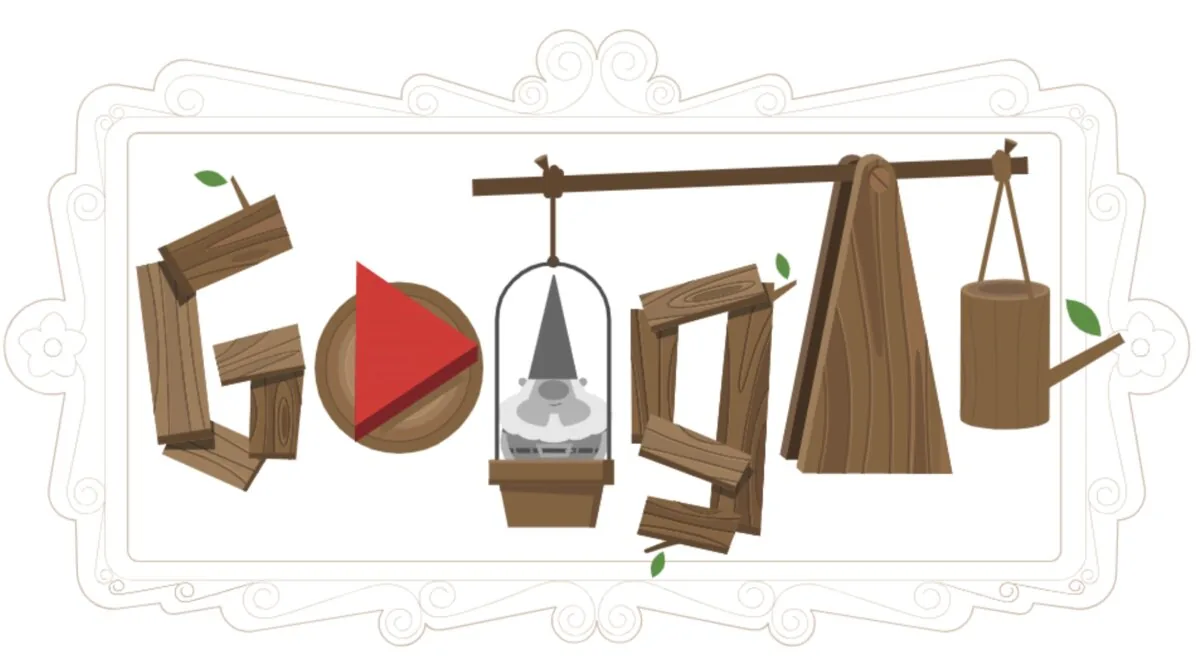
The Celebrating Garden Gnomes doodle title screen, with the trebuchet on the right. Screenshot: Google Doodles archive.
Search “doodle gnome” and you’ll land on three different things wearing the same name: a free Google mini-game from 2018, a $2.99 iPhone app, and a pile of clipart. Most people want the first one. This is how to find it, how to actually get a decent distance, and which of the other two is worth your money.
What the Google gnome game actually is
On 10 June 2018, Google put an interactive doodle on its homepage for Germany’s Garden Day. You fire clay garden gnomes out of a trebuchet across a garden. The farther one flies, the more flowers sprout behind it, and flowers are your score.
The lead artist was Gerben Steenks — his name is still on the official doodle page in Google’s archive, which is where the game lives now. It sat on the homepage for about two days, then moved to the archive, where it has quietly been played ever since.
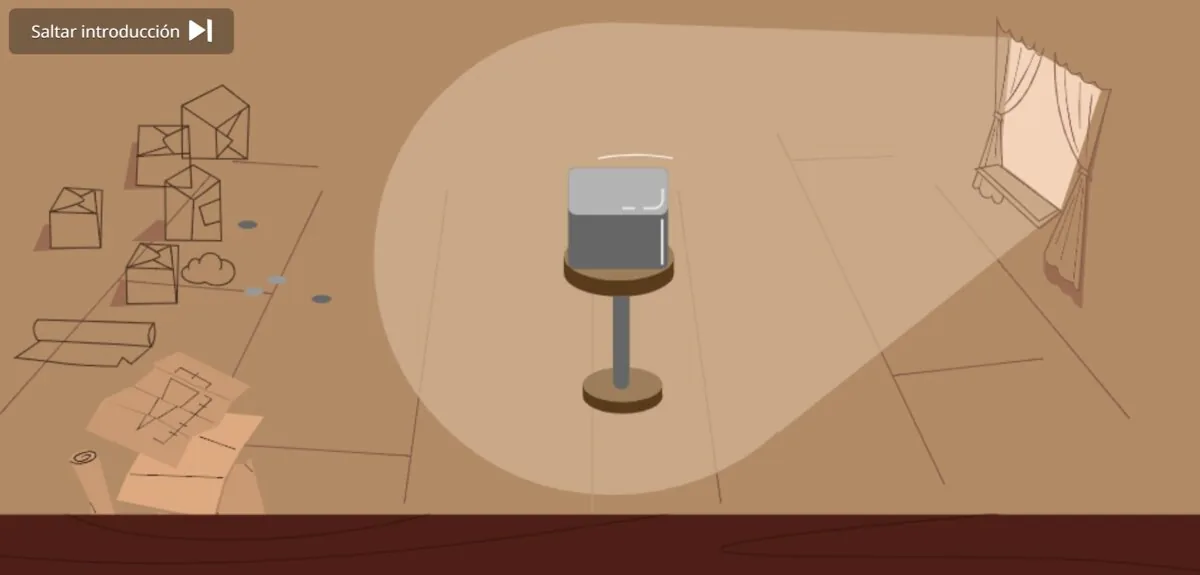
Before the game starts, there’s a short animation showing how a gnome is made: sculpt a master figure, pour the mold, fire the clay, paint it. It’s about fifteen seconds long and most players skip it. Don’t. It’s the nicest part.
The bit of history the doodle gets right
Garden gnomes as we picture them — beard, red pointed hat, round belly — come out of Gräfenroda, a small town in Thuringia, Germany. A craftsman named Philip Griebel was making them in terracotta in the 1800s.
They reached England in the 1840s, when Sir Charles Isham brought a batch home to his estate. Exactly one survives. He’s called Lampy, he’s missing part of a leg, and he sits under glass at Lamport Hall. He’s been insured for a sum that would embarrass most sculpture.
How to play it in 2026
The doodle isn’t on Google’s homepage anymore, but nothing was taken down.
Go to doodles.google/doodle/celebrating-garden-gnomes and press play. It loads in a couple of seconds. No account, no download, no Flash. It runs in Chrome, Firefox, Safari and Edge, on phones as well as laptops.
That’s it. That’s the whole answer, and it’s worth saying plainly because a lot of pages that rank for this phrase bury it under six hundred words first.
If you’d rather not type the URL, searching Google for “Doodle Gnome” puts the archive page in the first couple of results. The doodle itself no longer takes over the homepage, so a search is the long way round — but it works.
Controls
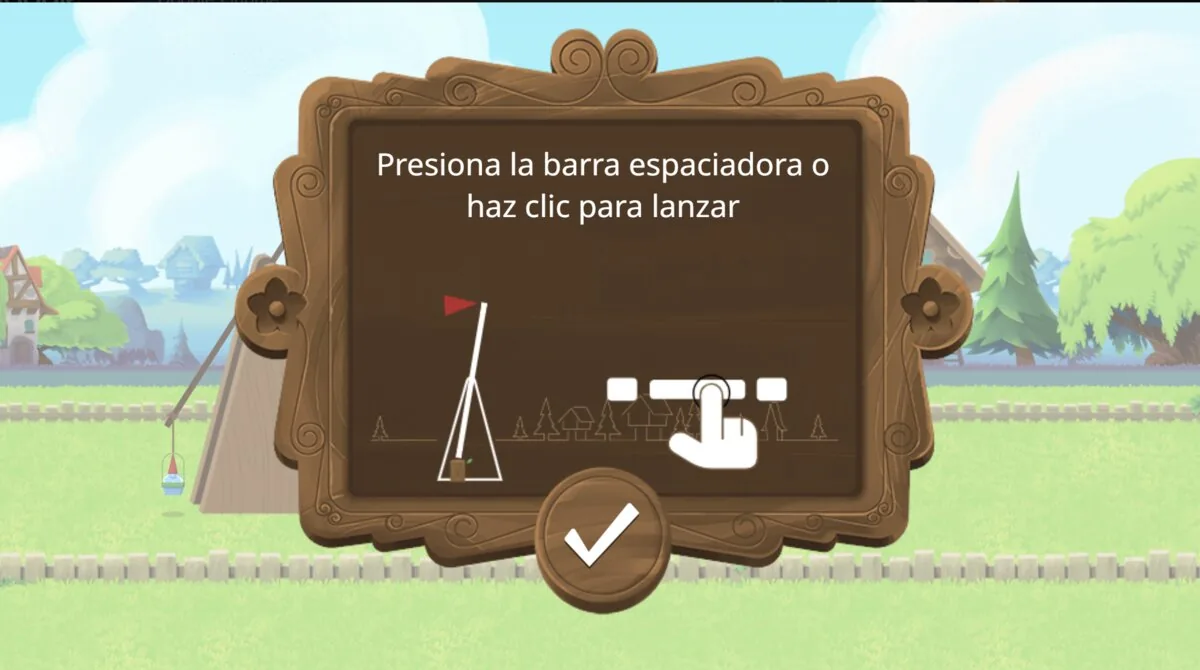
On desktop it’s one key. Spacebar to start the catapult swinging, spacebar again to release, spacebar a third time while the gnome is in the air. On mobile it’s three taps in the same rhythm. Down-arrow works instead of the third spacebar if you prefer.
The third press is the one people don’t realise exists. It shoves the gnome downward, mid-flight. That’s not a brake — it’s a steering wheel.
Getting past 1,000 metres
Here’s the thing about this game: it looks like a timing game and it isn’t. Timing gets you off the catapult. Bouncing is where the distance comes from.
Release just after the catapult passes its highest point. Too early and the gnome drops behind you, which is as bad as it sounds. Too late and it slams into the dirt in front of the machine. There’s roughly a quarter-second window and you’ll find it after about ten throws — you stop counting and start feeling it.
Then watch the ground. Logs, rocks, and mushrooms all bounce a gnome. The large red mushroom sitting near the start is the most valuable object on the screen, because a bounce that early keeps your speed for the whole rest of the run. Use that third press to push your gnome down onto it, slightly before you’re over it, not after. Late is a miss.
A concrete run, for calibration: my clean throws land somewhere around 400–600 metres. Catch the first mushroom and the same throw goes past 1,200. It’s not a small edge.
Six gnomes, and the advice everyone repeats
Finish the tutorial and five more gnomes unlock, six total. They’re visibly different — one’s short and fat, one’s tall and skinny, one is obviously heavier than the rest.
The standard advice online is “always use the heaviest gnome, on the far right.” What most people miss is that Google never published any stats for these gnomes. No weight numbers, no bounce values. Every table you’ll find listing “Weight: Very High, Bounce: Very High” is somebody’s guess, copied from another guess. Some of those tables even invent gnomes the game doesn’t have.
What’s actually true from playing: heavier-looking gnomes carry momentum through bounces better, and lighter ones are easier to place precisely. If your problem is that you keep missing the mushroom, a lighter gnome will help you more than a heavy one. Try all six over ten throws each and trust what you see, not the table.
You’ll also see claims of a 7,249-metre world record. Maybe. There’s no leaderboard in this game — none, anywhere — so every score is a screenshot on somebody’s timeline. Treat those numbers as folklore, which, given the subject, feels appropriate.
The $2.99 app with the same name
There’s a separate iOS game called Doodle Gnome, published by Engage Soft. It’s $2.99, it’s built for iPad, and it currently sits at 4.2 stars from a handful of ratings.
It does roughly what the Google doodle does — catapult, gnomes, distance — with power-ups, upgrades and score comparison with friends bolted on.
Whether that’s worth three dollars depends entirely on whether you want the extras, because the thing it’s based on is free, permanent, and one click away. I’d play the doodle first. If you’re still throwing gnomes an hour later, then go buy the app.
The “unblocked” copies, and why I’d skip them
Because this game gets played on school laptops, dozens of sites rehost it as “garden gnome unblocked” — unblockedgames76.io, gamesdoodle.org, Google Sites pages, and so on. They work. That’s the problem.
They work well enough that nobody asks why a stranger is paying to serve you a free Google game. The answer is usually the ad network, and low-tier game portals sell to whichever broker pays most. That’s the same supply chain that carries malvertising. You don’t have to click anything for a hostile ad to load in an iframe and start probing your browser.
We’ve written about how classic games get used in malware campaigns, and browser mini-games are no different in principle. The same reasoning we apply to PolyTrack’s unblocked mirrors applies here, with one difference that matters: PolyTrack’s official build is sometimes genuinely blocked at school. doodles.google almost never is. Google’s own domain is whitelisted nearly everywhere, because blocking it breaks Classroom.
So the mirrors aren’t solving a problem you have. If a page asks you to install a browser extension to play a garden gnome game, close it. A racing game doesn’t need to “read and change all your data on all websites,” and neither does a gnome.
The clipart, briefly
The third meaning of “doodle gnome” is illustration — hand-drawn gnomes in doodle style, sold as vectors. Shutterstock, Vecteezy, Freepik and iStock all carry thousands. Christmas gnomes dominate from October onward; that’s the print-on-demand crowd stocking up.
If you searched “doodle gnome” hoping to draw one, the shortest path is a Procreate tutorial and a sketchy brush set. Nothing about it requires the Google game, and nothing about the Google game requires you to draw.
What to do with this
Open the archive page. Watch the fifteen-second intro. Throw ten gnomes badly, then start aiming for the big red mushroom with your third tap.
You’ll clear a thousand metres in about five minutes, which is longer than the doodle spent on Google’s homepage.

César Daniel Barreto is an esteemed cybersecurity writer and expert, known for his in-depth knowledge and ability to simplify complex cyber security topics. With extensive experience in network security and data protection, he regularly contributes insightful articles and analysis on the latest cybersecurity trends, educating both professionals and the public.
 English
  German
  Danish
  Italian
  Swedish
  Romanian
  Thai
Thai  Vietnamese
  Japanese
  Dutch
Dutch  Korean
  Arabic
  Hungarian